IDEX printers can duplicate or reflect a part across two toolheads. Here is when to use each mode and what to check before you slice.
What Copy and Mirror Actually Do
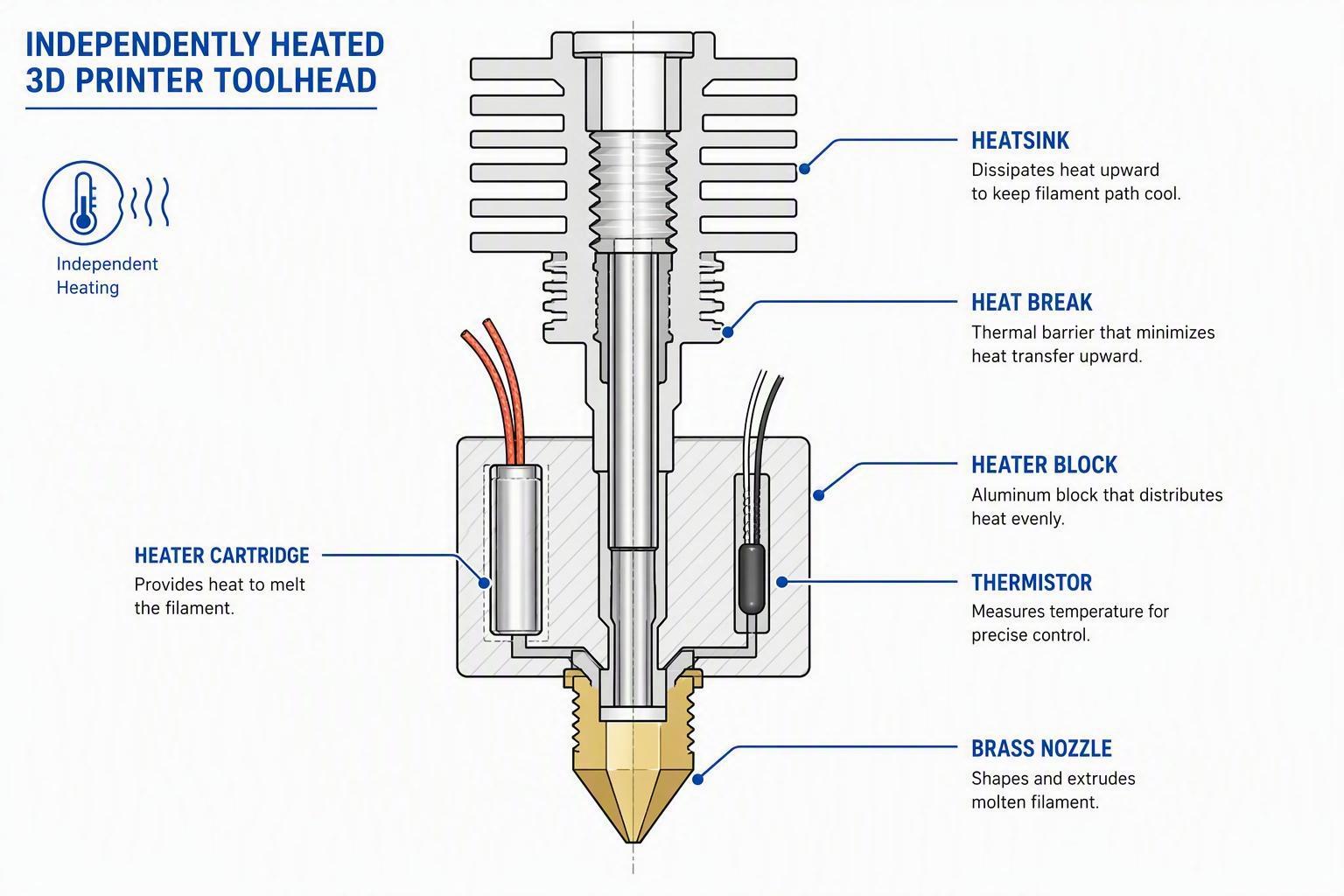
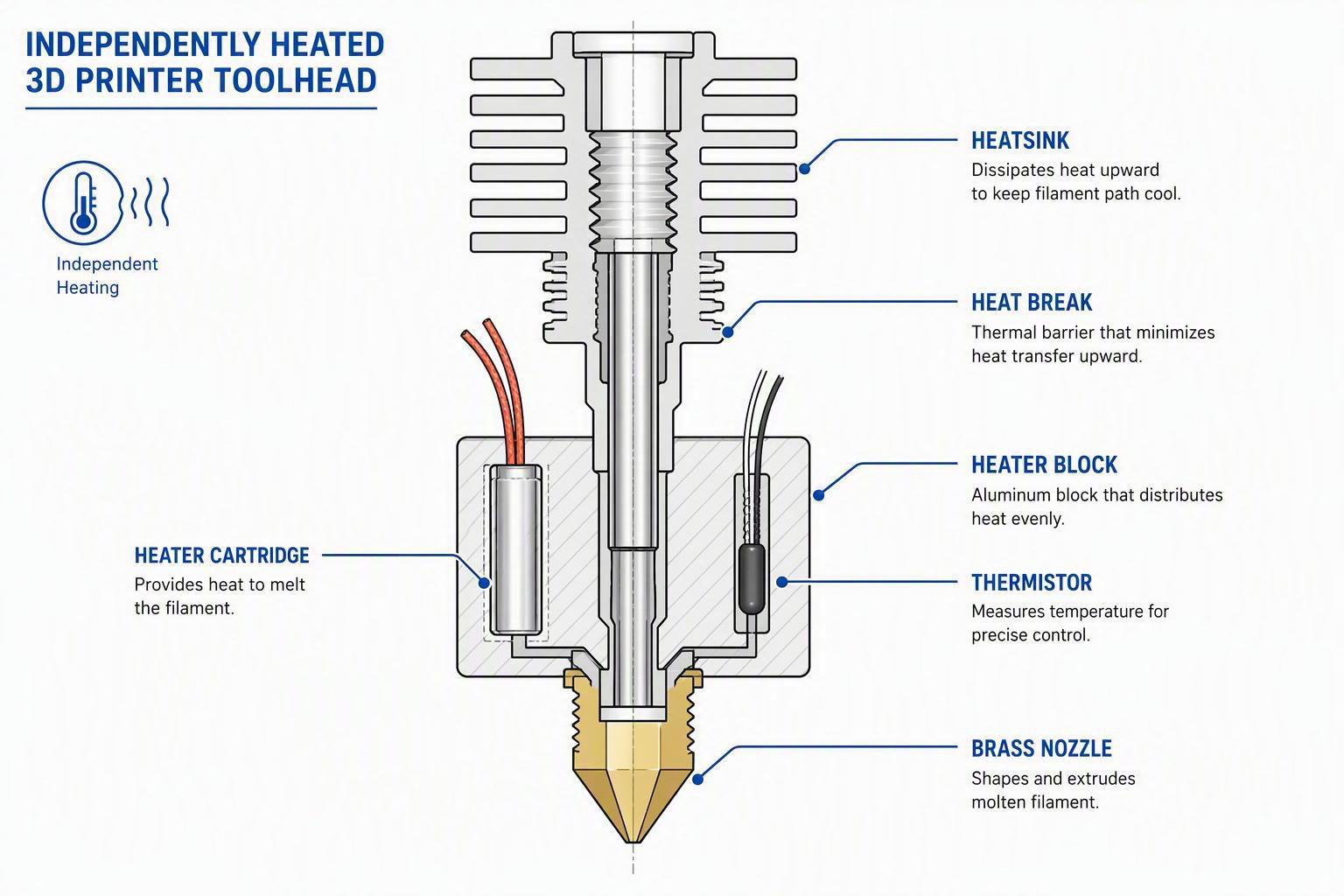
Both modes rely on the same hardware: two independent toolheads riding a shared X axis. The slicer generates one toolpath, then the printer runs that path twice with a fixed offset. What changes between the two modes is the relationship between the two finished parts.
Copy Mode prints two identical copies. Mirror Mode prints one left-hand part and one right-hand part. Neither mode can print two unrelated models in the same job. That distinction matters more than people realize.
Copy Mode: When You Need Two of the Same Thing
Copy Mode is the straightforward option. You need two brackets, two covers, or a small batch of identical parts. Both toolheads follow the exact same path, offset by a fixed X distance. On the Sovol M1D, each copy gets a usable build area of 178 x 300 x 350 mm.
The catch is bed level and nozzle calibration. Two parts mean twice the surface area going down at once. If one nozzle sits slightly higher than the other, the first layer will show it. Run a Z-offset check before you commit to a long job.
Mirror Mode: When You Need a Handed Pair
Mirror Mode flips the geometry across the bed centreline. This is the right choice for handles, wings, or any part that exists as a left-right pair. The second toolhead prints a reflected version of the same model.
There is a trade-off. Because the mirrored path sweeps toward the opposite side of the bed, the usable X width per part shrinks. On the M1D, Mirror Mode limits each part to 138 x 300 x 350 mm. A part that fits in Copy Mode may slice-fail in Mirror Mode.
Before You Slice: A Short Checklist
Confirm the part fits inside the mode's usable envelope. Check that both toolheads use the same material and nozzle size. Let the printer run its XY and Z calibration routines. If the model is truly symmetrical, Copy Mode gives you more room. If it is handed, Mirror Mode is the only way to get both sides in one job.
Common Failure Points
A shifted second copy usually means the model is not perfectly symmetrical or the mode was chosen incorrectly. A slicer refusal almost always means the part crossed the mirror boundary. Collisions and carriage stalls happen when the part is too wide for the reduced envelope. Stringing or blobs on both copies point to mismatched temperatures or nozzle sizes across the two toolheads.

Comments (0)
No comments yet. Be the first!
Leave a Comment