Bambu Lab's new mid-range dual-nozzle printer refines the X1 Carbon formula with active heating, smarter filtration, and a $899 price tag.
The X1 Carbon Is Dead. Long Live the X2D
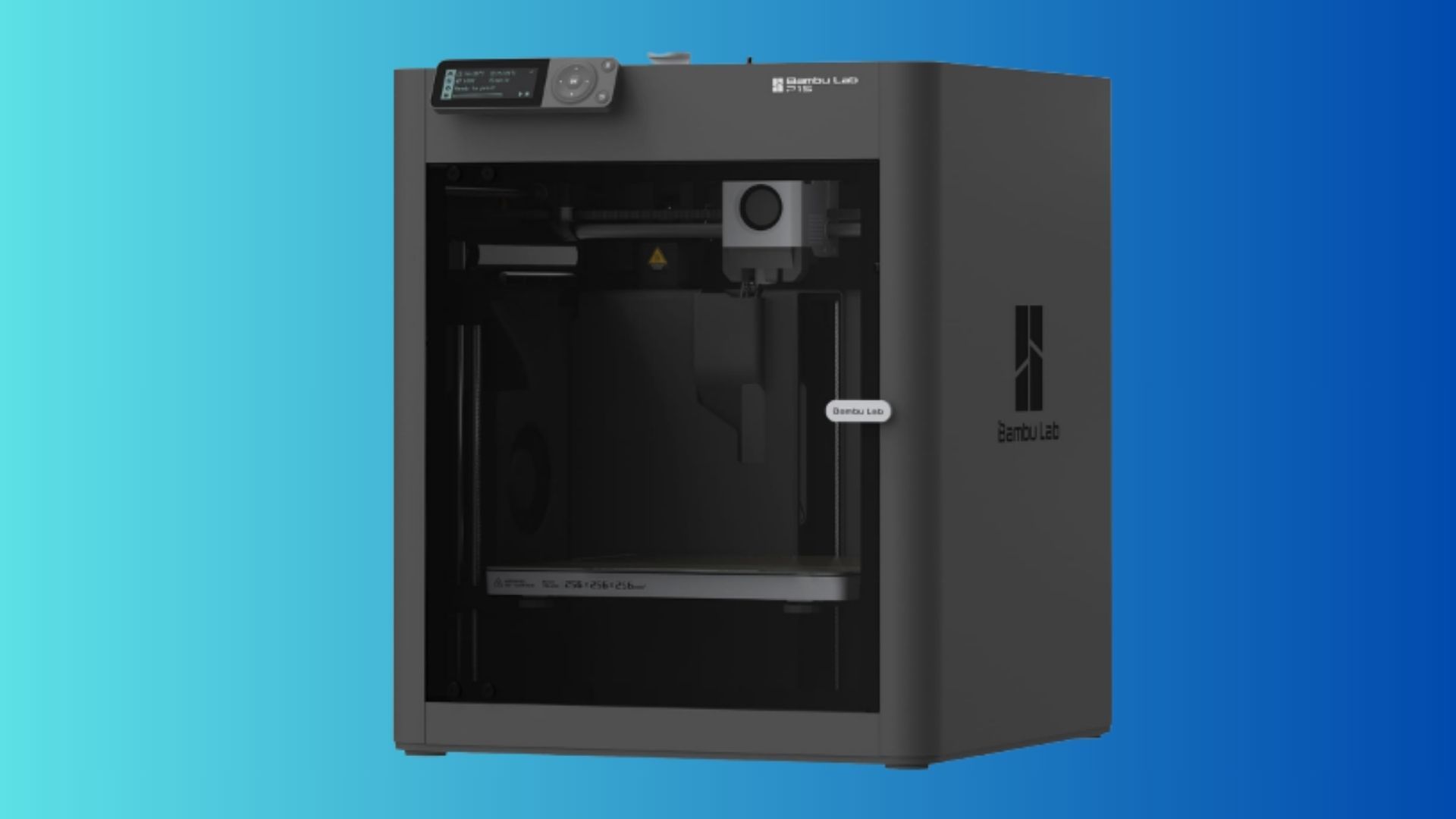
Bambu Lab retired the X1 Carbon earlier this year. Its successor, the X2D, enters at $899 for the Combo model. That is $550 less than the X1 Carbon's original Kickstarter price. The new machine keeps the CoreXY motion system and 256mm cubed build volume, but swaps the single nozzle for a dual-nozzle setup and adds active chamber heating.
The result is a printer that feels familiar but improved. It prints fast, handles high-temperature materials without warping, and includes a triple-stage air filtration system. It is not perfect. The auxiliary nozzle uses a Bowden extruder, which makes it slower and less precise than the main nozzle. Bambu Slicer also occasionally places the prime tower outside the printable area, which is annoying for a brand that sells simplicity.
Dual Nozzles, Different Jobs
The X2D does not use two identical nozzles. The main nozzle is a direct-drive extruder that handles most printing. The auxiliary nozzle sits further back, fed by a Bowden tube. Bambu designed it primarily for support material and second colors. Because the two nozzles use different materials that do not stick together, supports peel away cleanly without scarring the model surface.
This works well in practice. I printed a small herd of zebras with alternating black and white bodies. The X2D completed the job without the purge waste that plagues single-nozzle multi-color printers. The auxiliary nozzle did take twice as long on a calibration cube, and the side walls showed subtle waviness. For supports, that trade-off is acceptable. For primary model printing, you will want to stick with the main nozzle.
Chamber Heating and Filtration
The X2D maintains an actively heated chamber up to 65 degrees Celsius. That matters for ABS, ASA, nylon, and carbon-fiber composites. I printed ABS brackets without a single warp. The chamber temperature stayed consistent throughout the job, and the part cooling system switched off automatically when the door closed.
A three-stage filtration system scrubs the air before it leaves the printer. A G3 pre-filter catches large particles, an H12 HEPA filter traps microplastics, and a coconut-shell activated carbon layer reduces odors. Printing ASA in a home office used to mean opening a window. With the X2D, I barely noticed the smell.
Software and Setup
Setup took under two hours, including calibration. The printer walks you through bed leveling, flow rate tuning, and a first print. Bambu Studio is required, and it is generally polished. The AI camera monitors for spaghetti and nozzle blobs, and the live view is a full 1080p feed.
The frustration came from slicer placement errors. The prime tower for multi-material prints sat on the far left edge of the bed, where the auxiliary nozzle cannot reach. Dragging it into the safe zone fixed the problem, but a printer that costs this much should not require user workarounds for basic functionality.
Who Should Buy the X2D
The X2D is not a great Bambu printer for first-time buyers. It demands more attention than the P2S or A1 series. If you want a machine that just works, stick with those. If you need to print high-temperature materials, want cleaner multi-color results, or are upgrading from an aging X1 Carbon, the X2D is a strong choice. At $899, it undercuts the H2D by more than half while delivering most of the same practical benefits.
The X2D proves that Bambu Lab can refine without inflating the price. It is a workhorse, not a flagship. For many buyers, that is exactly what they need.

Comments (0)
No comments yet. Be the first!
Leave a Comment