The Elegoo Centauri 2 proves that sub-$300 CoreXY printers can produce excellent results without requiring an engineering degree to operate.
Elegoo's Centauri 2 arrives at $299, and the first print out of the box should embarrass every budget bed-slinger at this price. This is a CoreXY machine with a 260 x 260 x 260 mm build volume, dual-sided PEI plate, and a touchscreen that feels genuinely responsive. After a week of testing, the Centauri 2 earned a permanent spot in my workshop as the printer I recommend first to anyone on a tight budget.
Out of the Box Experience
Unboxing the Centauri 2 is straightforward. The base model ships fully assembled, which matters because setting up a CoreXY from a kit is not where I want to spend a Saturday afternoon. Elegoo includes a spare nozzle, a tool kit, and a sample filament spool. The build plate is double-sided: textured PEI on one side, smooth on the other. You flip it depending on whether you want adhesion or easy removal.
The touchscreen interface is a surprise at this price. Most budget printers use a resistive display that feels like a calculator from 2005. The Centauri 2's screen is capacitive, responsive, and logically laid out. You do not need to dig through nested menus to start a print or adjust a setting.
Print Quality
I printed calibration cubes, benchies, and a handful of functional parts in PLA, PETG, and ABS. The Centauri 2 handled all of them without a single failed print. Layer lines are clean, overhangs behave, and bridging looks consistent with much more expensive machines. The CoreXY motion system is the reason. There is no moving print head gantry, so inertia stays low and corners stay sharp.
The printer ships with Klipper firmware, which means input shaping and pressure advance are available out of the box. Those features usually require community flashing on budget machines. Elegoo enabled them by default, and it shows in the print quality.
The Compromises
No product at $299 is perfect. The Centauri 2 is noticeably louder than my Prusa Core One or Bambu Lab P1S. The motors and belts make a consistent whine during high-speed moves. The power supply also hums louder than I would like. If your printer lives in the same room you sleep in, that matters.
There is no camera. That is an understandable omission at this price, but it does mean you cannot monitor prints remotely without adding your own. The filament runout sensor sits at the end of the Bowden tube near the extruder, not at the spool or in the toolhead. That placement means you can still end up with a tangled mess if the filament feeds unevenly, though it will pause before trying to print empty.
Software is another weak point. Elegoo's slicer works, but the interface is clunky and transferring files over the network can be finicky. Several users in community forums report the printer dropping its WiFi connection after sitting idle for a few days. Those are solvable problems, but they should not exist on a 2026 printer.
Who Should Buy It
If you have $300 and want your first CoreXY, buy the Centauri 2. It prints better than anything else in this price bracket, it is fully assembled, and it supports the materials most hobbyists actually use. The noise level and software quirks are real, but they are manageable trade-offs for the performance on offer.
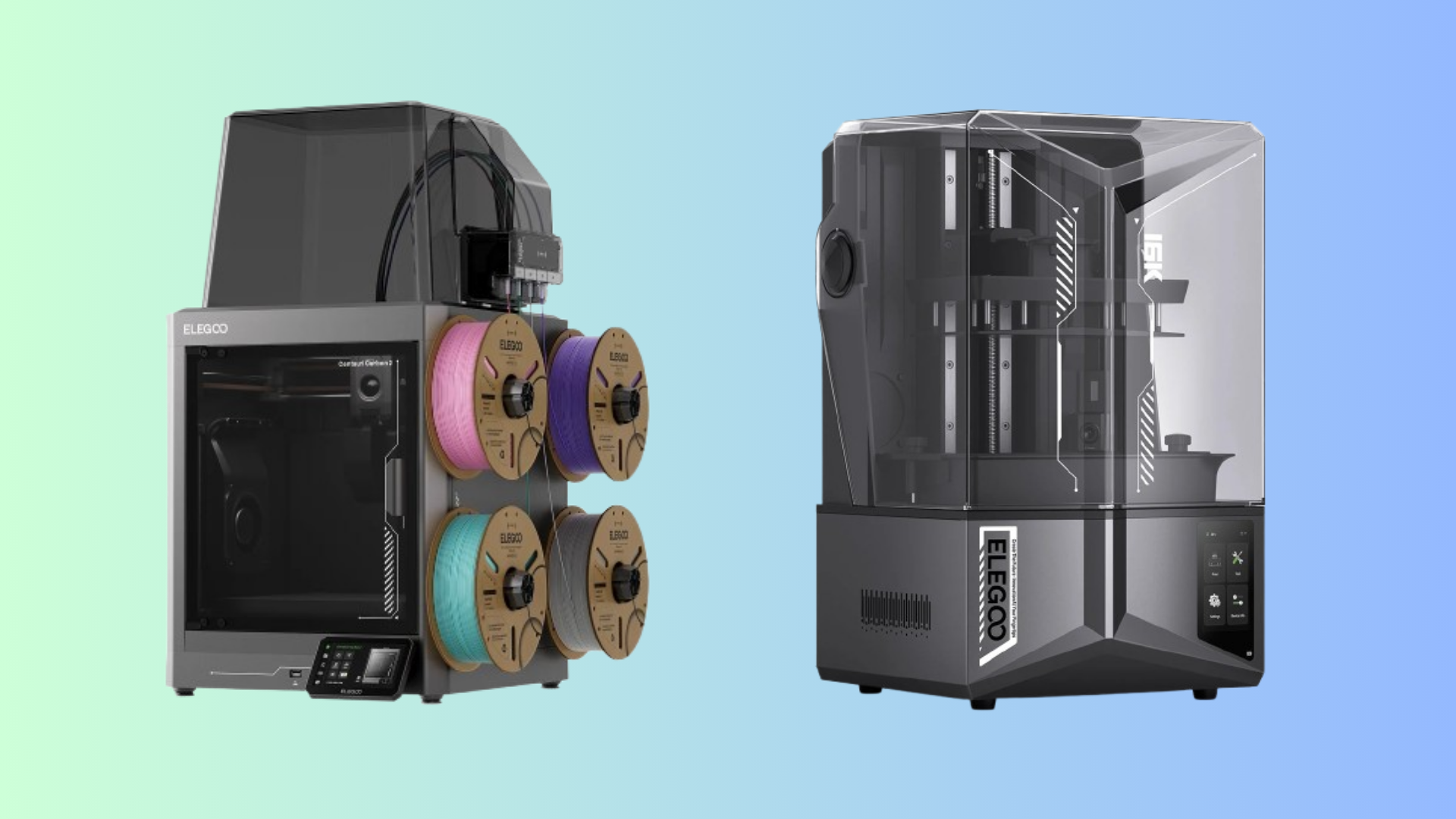
The Centauri 2 Combo adds a four-filament CANVAS system for $379. That is a reasonable upgrade if you regularly need multicolor prints, but the base model is the better value for most buyers.
Comments (0)
No comments yet. Be the first!
Leave a Comment