Elegoo's Matrix app now lets you browse models and start prints directly from your phone, no slicing software required.
What changed
Elegoo's latest Matrix app update removes the friction between finding a model and printing it. Before, you had to download a file, slice it in Bambu Studio or PrusaSlicer, export G-code, and move it to the printer. Now you can do all of that from the app itself.
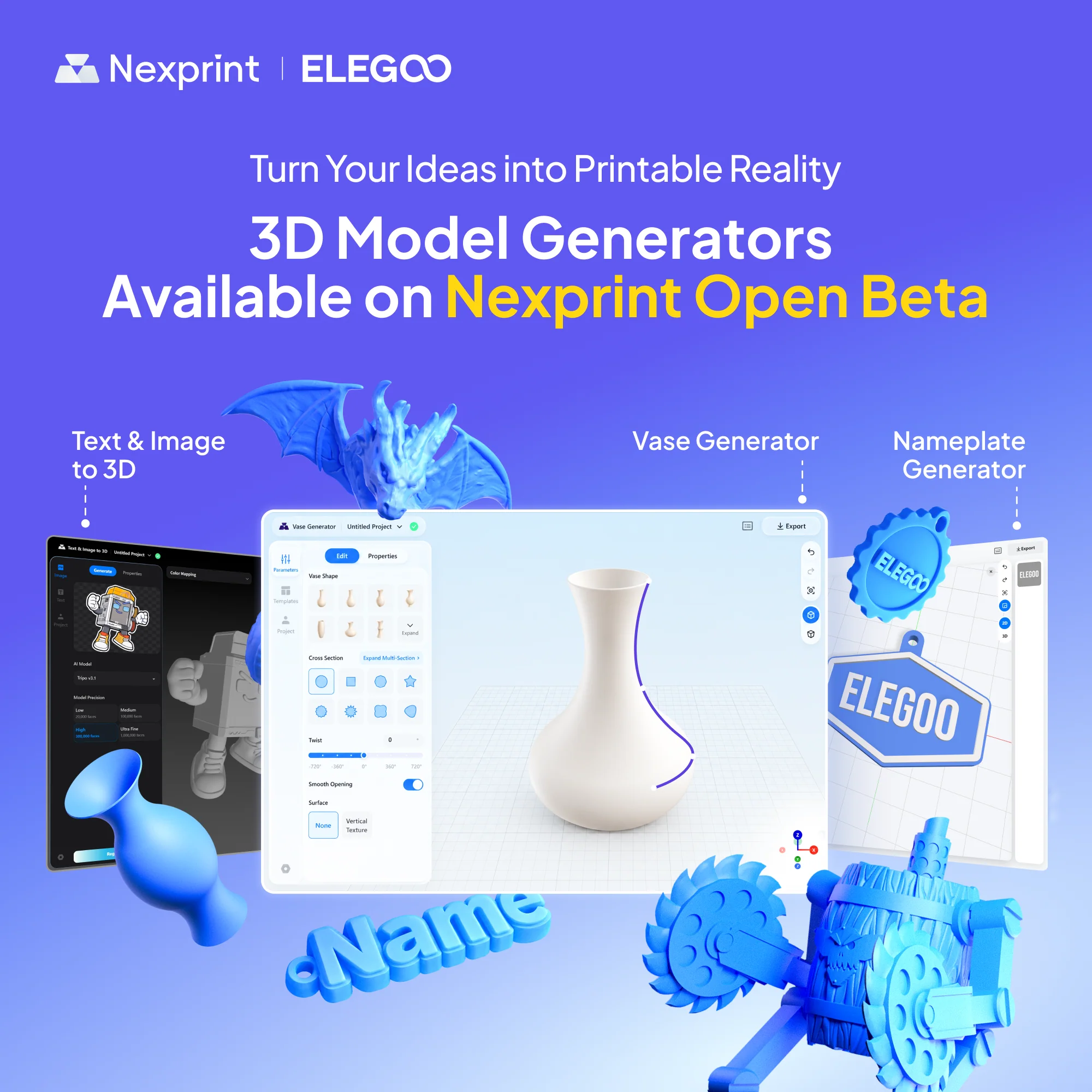
The feature is called One-Click Remote Printing. It works by tapping a model inside the Nexprint library and hitting print. The app handles slicing in the background and sends the job to your printer over the network.
Which printers support it
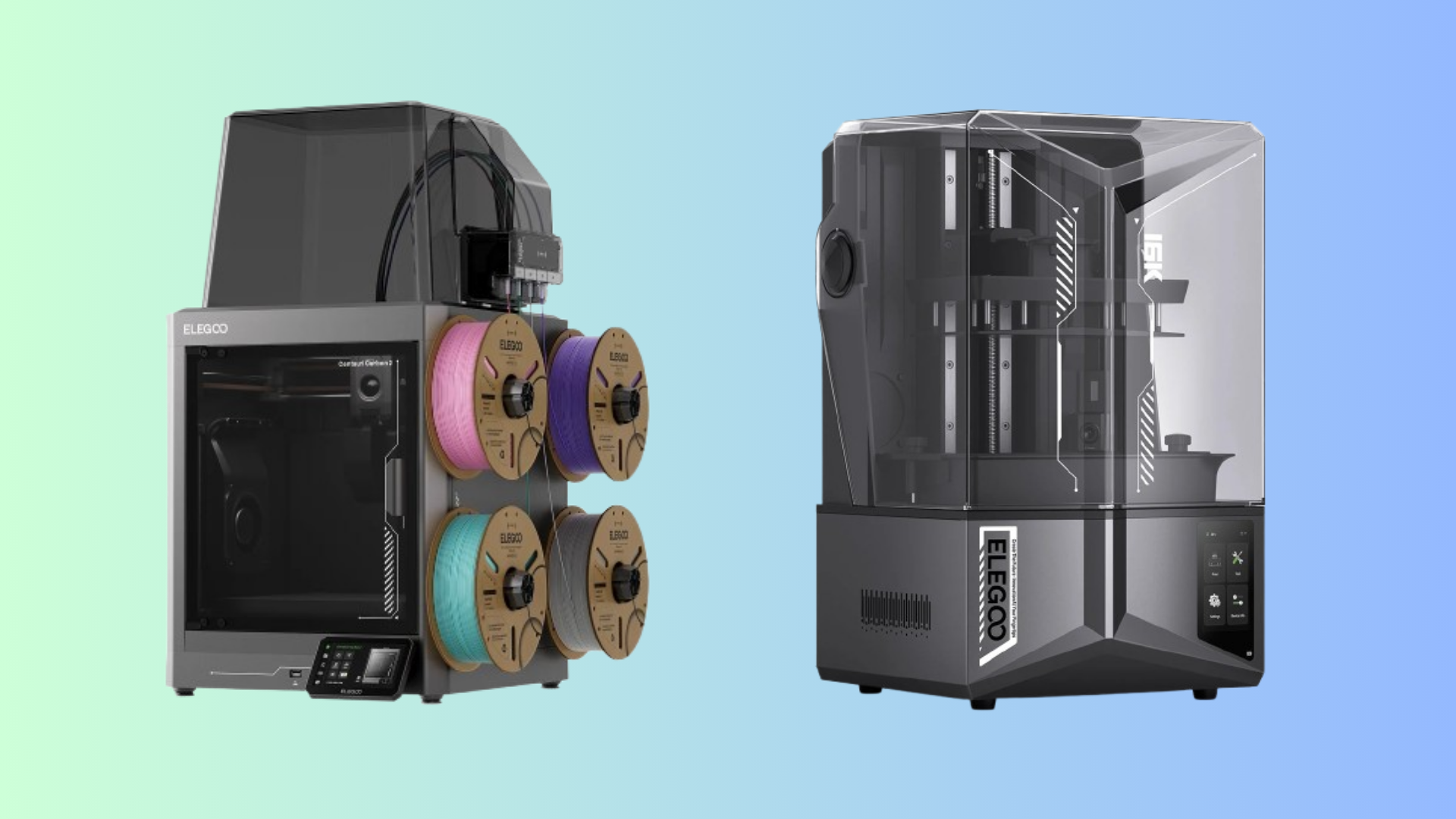
At launch, only the Centauri Carbon 2 and Centauri Carbon 2 Combo are compatible. Elegoo says more models will follow in future updates. You need both the latest Matrix app version and current printer firmware to use it.
Why it matters
Remote printing is not new, but bundling model discovery, slicing, and job start into one tap is. It lowers the barrier for beginners who find slicer settings intimidating. For experienced makers, it cuts down the repetitive steps between idea and print.
The tradeoff is control. Automatic slicing makes reasonable defaults, but it does not replace fine-tuning for tricky geometries or exotic materials. If you print the same model often, you will still want to slice it yourself.
Bottom line
If you already own a Centauri Carbon 2, this update makes the printer feel more like a finished product and less like a project. If you do not own one, the app update does not change the buying equation much, since it is tied to specific hardware.
Comments (0)
No comments yet. Be the first!
Leave a Comment